LABBLibrary
LABB Library

Visual guide

A click-through tour of the host portal, short videos for every task, and live tours of the real product.

Click-through

Press the orange dot at each step. Play it with the narrator’s voice, or without sound.

Open full page

LABB in under a minute

A tour of the host portalNarrated, with captions. · 0:40
The queue and the tables, on one screenA short film, no narration. · 0:39

Labb host guide

These videos were recorded in October 2026 on an earlier design of the portal: the steps are the same, some screens look different now.

01Sign inSigning in to the host app. · 0:21
02Your queue screenMeet your queue screen. · 0:31
03Add a walk-inAdd a walk-in in under ten seconds. · 0:34
04Notify a guestNotify a guest when their table is ready. · 0:23
05Seat a guestSeat a guest and pick their table. · 0:20
06Remove or pass a turnRemove a guest, or pass their turn. · 0:24
07The table mapManage tables from the map. · 0:26
08Today and historyToday's summary and guest history. · 0:26

Labb manager guide

09Seating preferencesSeating preferences your guests can choose. · 0:24
10The digital pagerThe pager: call guests when their order is ready. · 0:31
11Team managementManage your branch team and their access. · 0:28
12The menuManage your menu. · 0:25
13Promos and campaignsCreate a promo your guests will see. · 0:28
14Branch settingsBranch and queue settings. · 0:28

Live tours

Tours where you press the real product’s buttons yourself, with sample data.
2 min

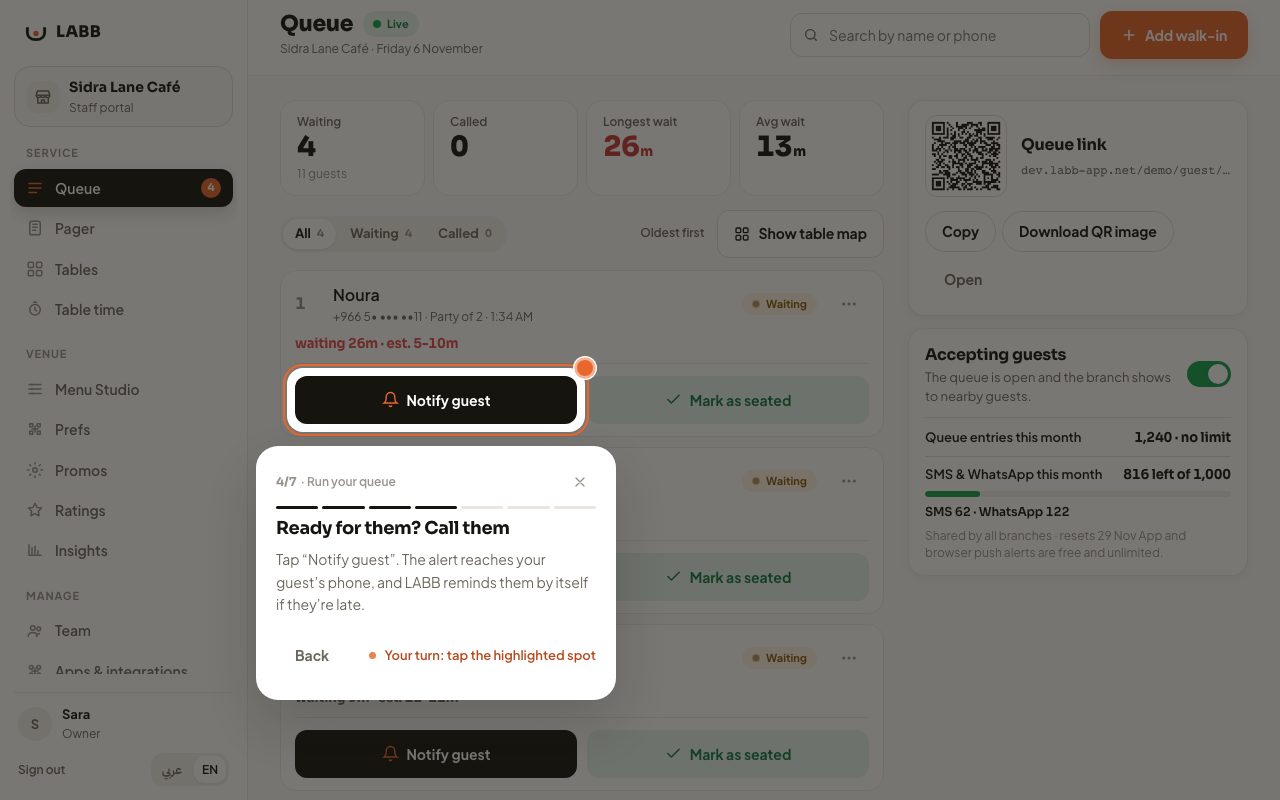
Run your queue

Call a party, seat them, and add a walk-in.

Start the tour
2 min

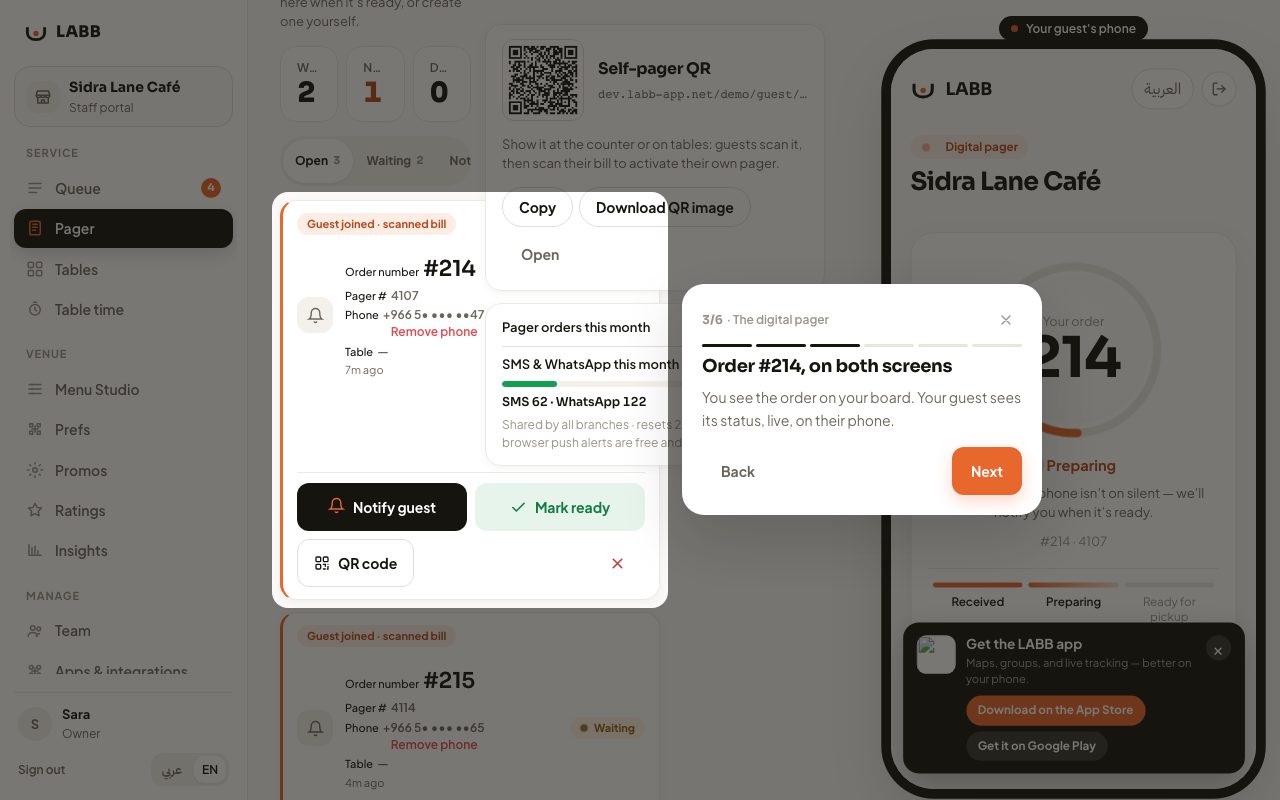
The digital pager

Order ready? Your guest’s phone rings. No pagers.

Start the tour
2 min

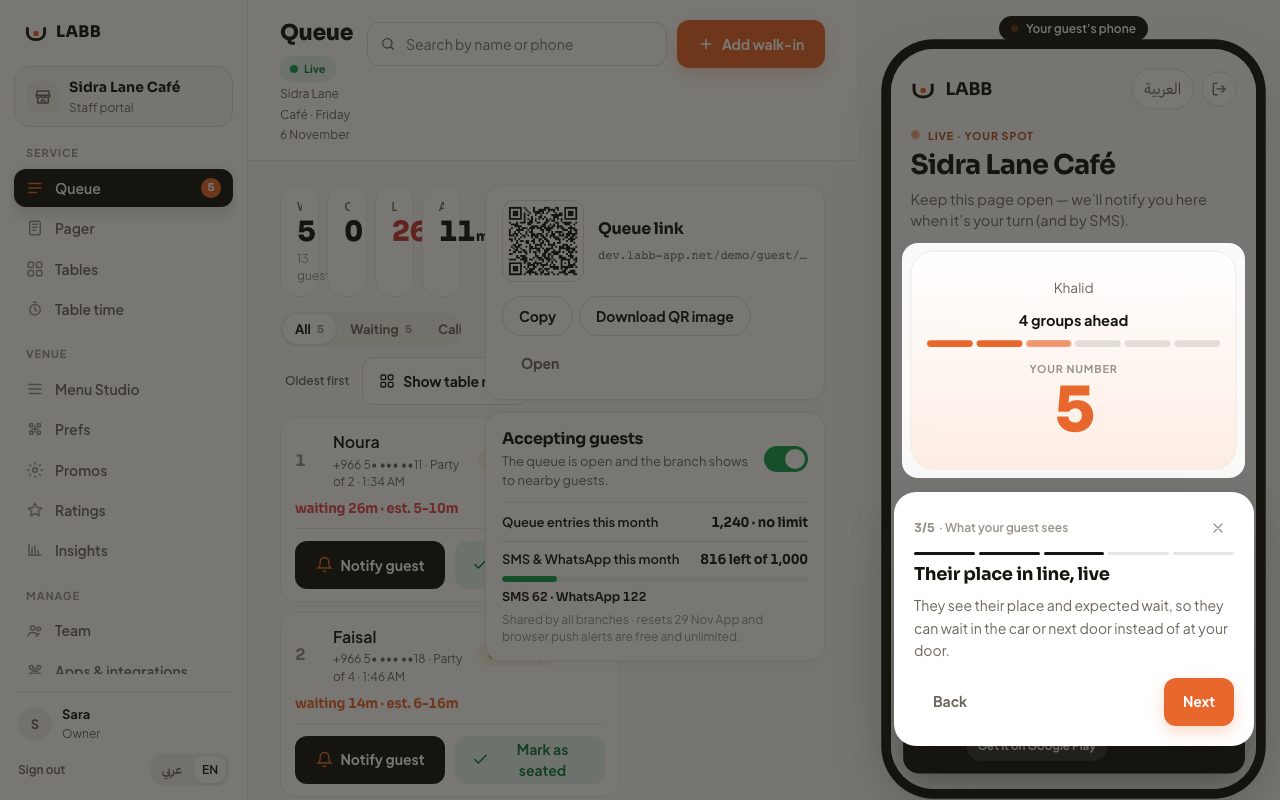
What your guest sees

From scanning the code at the door to “it’s your turn”, on their phone.

Start the tour

Fifteen minutes is enough to know if LABB fits your venue

We’ll ask about your venue and your peak hours, and show you the screens on a business like yours.